
Wrong driver selected error
If you receive a “Wrong driver selected” error when updating your device, follow the steps below.
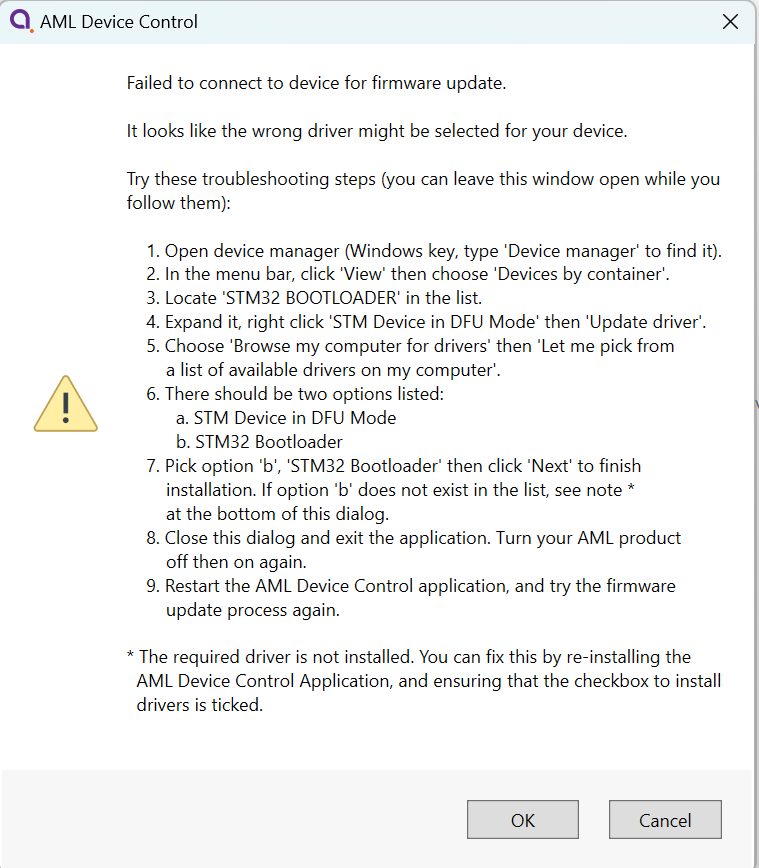
While the error message is displayed go to Windows device manager and find the device. It will be listed as STM Device in DFU Mode.
Right-click on the device > properties > update driver.
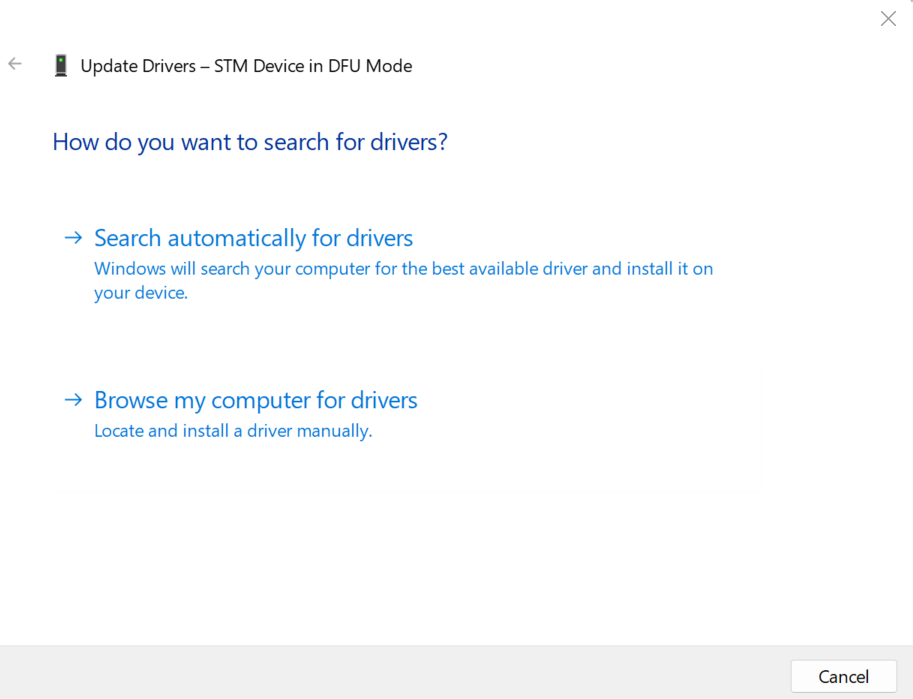
Select 'Browse my computer for drivers' > 'Let me pick from a list available drivers on my computer'. Select STM32 BOOTLOADER and click next. Restart your device and Device Control software and try to update again.
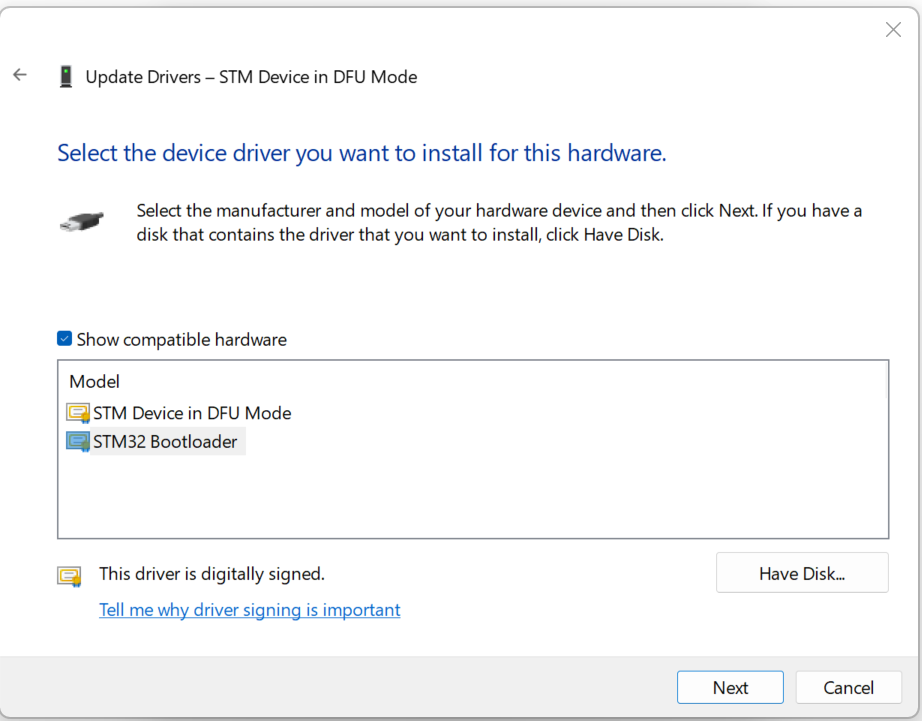
It should now appear as a STM32 BOOTLOADER device.

Restart your device and the Device control software and try updating the device again.