
Software
Installation and setup
The SMD3 is compatible with the AML Device Control software, which can be downloaded from the Software page on our website: https://arunmicro.com/documents/software/
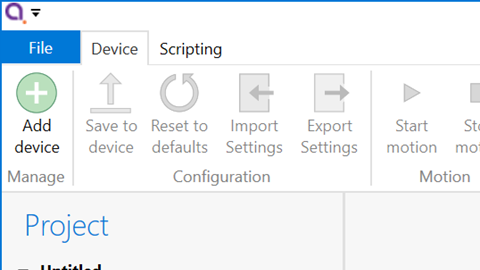
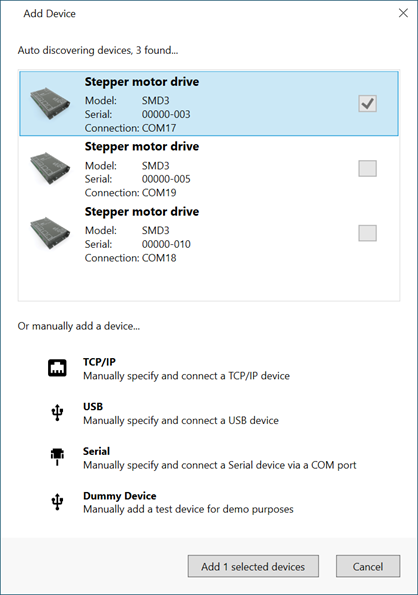
USB connected SMD3 devices should automatically appear in the list. Select all devices that you wish to add and click “Add n selected devices”
Overview
The default layout of the software is shown below.

Project panel
Device properties panel
System work area
Controller window
Ribbon
Saving projects