
Software
Installation and setup
The SMD3 is compatible with the AML Device Control software, which can be downloaded from the Software page on our website: https://arunmicro.com/documents/software/
- Connect all SMD3 devices to your computer, using a USB lead, and power them on.
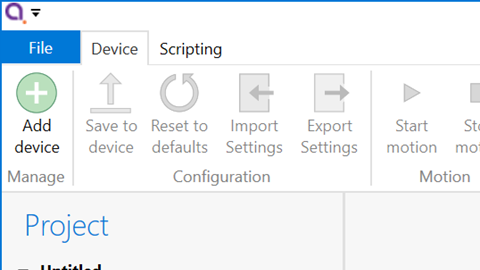
- Start the AML Device Control software and click ‘Add device’ in the top left corner
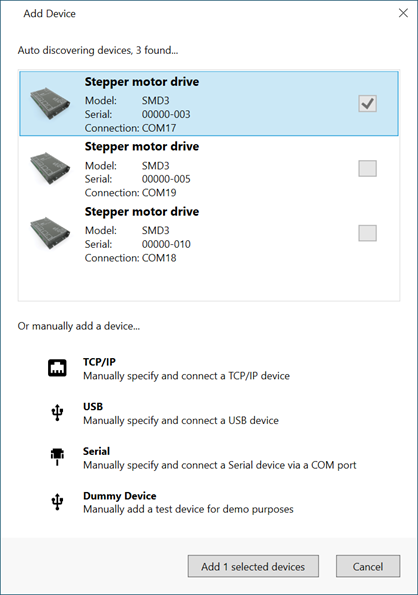
USB connected SMD3 devices should automatically appear in the list. Select all devices that you wish to add and click “Add n selected devices”
Overview
The default layout of the software is shown below.

Project panel
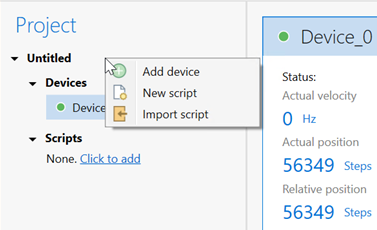
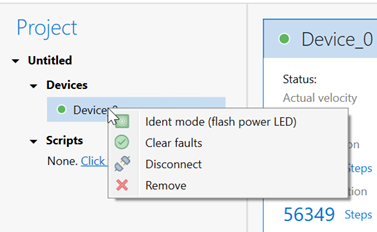
A status indicator next to each device shows the current status of each device according to these colours:
Colour
Description

Device connected and ready

Bake mode running, limit switch triggered or joystick connected

Device in a fault state

Device disconnected